
Yes, more than one person can use your account, you can invite them once logged in via the Association Management page.
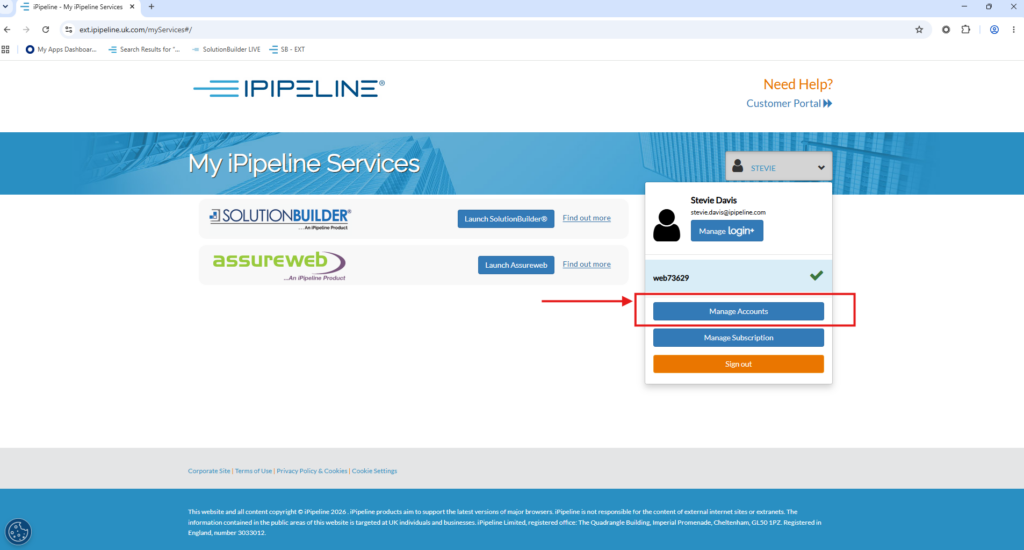
Enter the Administrators/Paraplanners email address where it says ‘Invite a user to access’.
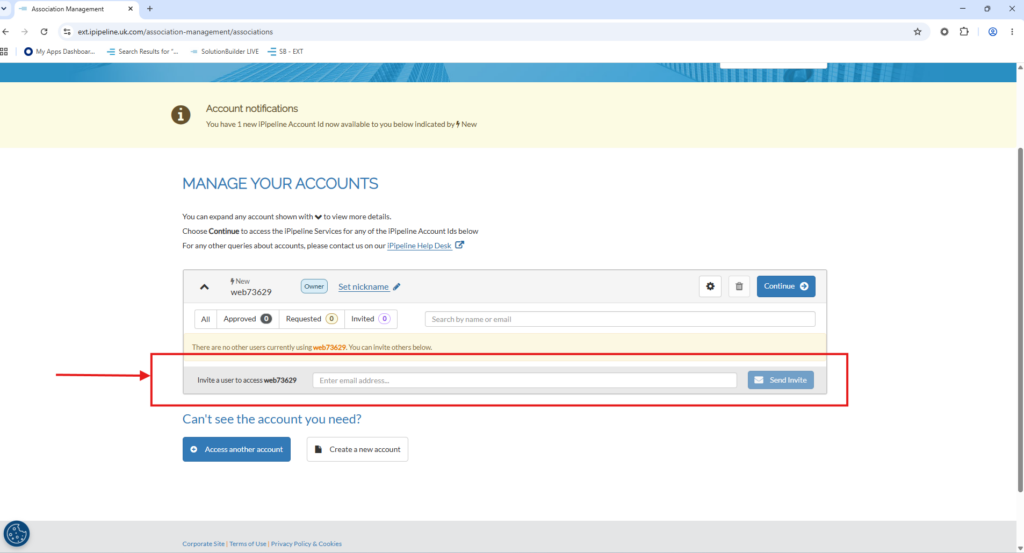
They will receive an email letting them know they have been invited to associate with the account
Alternatively, the Paraplanner or Administrator can sign up for login+ then login and press ‘Associate Account’
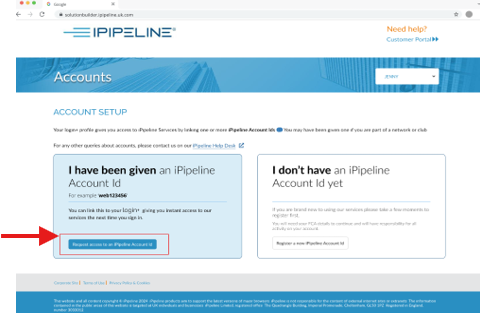
Once they have done this, they can enter your iPipeline Account ID (along with a computer generated password if you have one) on the account set up page
