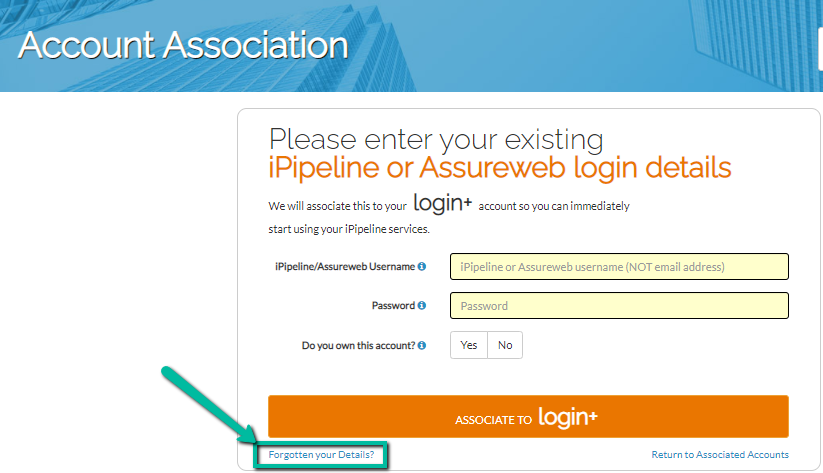
If you access iPipelines services via a CRM system and require your account information or don’t have a record of your portal credentials when associating your account, you can recover these by clicking the ‘Forgotten Your Details’ link on the Account Association page.
It will then prompt you to enter your recovery email and answer your security questions.
Once these have been entered, your iPipeline Account ID and password will be sent to your recovery email address.
Depending on how you access our services, you will receive your iPipeline Account ID and potentially a computer generated password too.
If you don’t receive an email, you may have entered an email address that you didn’t chose to register as your recovery email address when you set the login up. Please double check you are using the correct email address first or – Click here for assistance if you don’t get anything through.