
If you no longer want another user to have access to your iPipeline Account ID, please sign in to your account via the iPipeline Portal, click log in and open the ‘manage your accounts’ page.
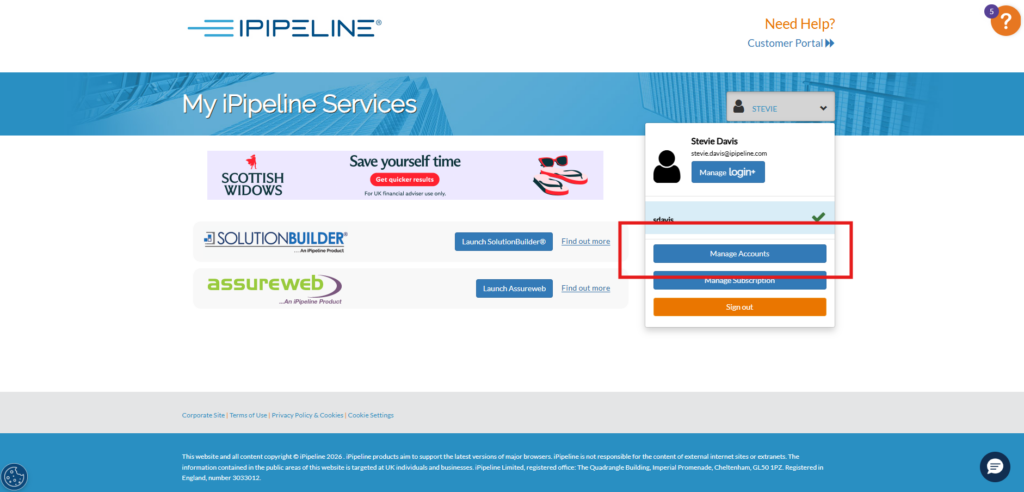
Locate the relevant user, select the bin icon and confirm your decision.

Once you have confirmed your decision, an email will be sent to advise the person that they no longer have access to your iPipeline Account Id.
