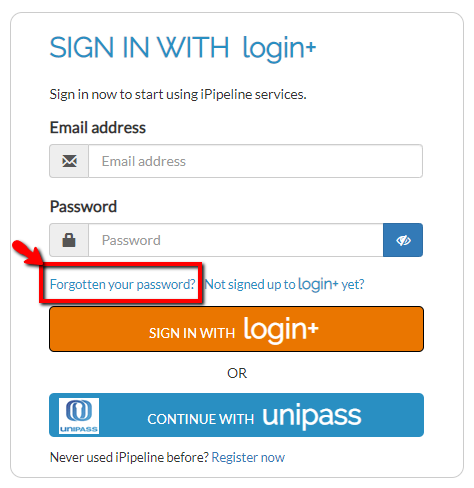
If your account is locked, select Forgotten Password on the log-in page. A security code will be sent to your registered email address, usually within 10 minutes. You’ll then be prompted to enter the code on screen.
Once your security code has been verified, your account will be unlocked and you’ll be able to create a new password.
If you haven’t received the email, check your Junk or Spam folder and make sure you’ve entered the email address you normally use to sign in.
If you’ve checked the above and still haven’t received the email, contact our Support Team via Live Chat, email or by calling 0345 408 4022. We’ll be happy to help.