
New iPipeline Account IDs are usually created by a Distribution Partner Administrator on behalf of a member firm or authorised user.
If you are not part of a Distribution Firm, Service Provider, or Club, you will need to create the account yourself.
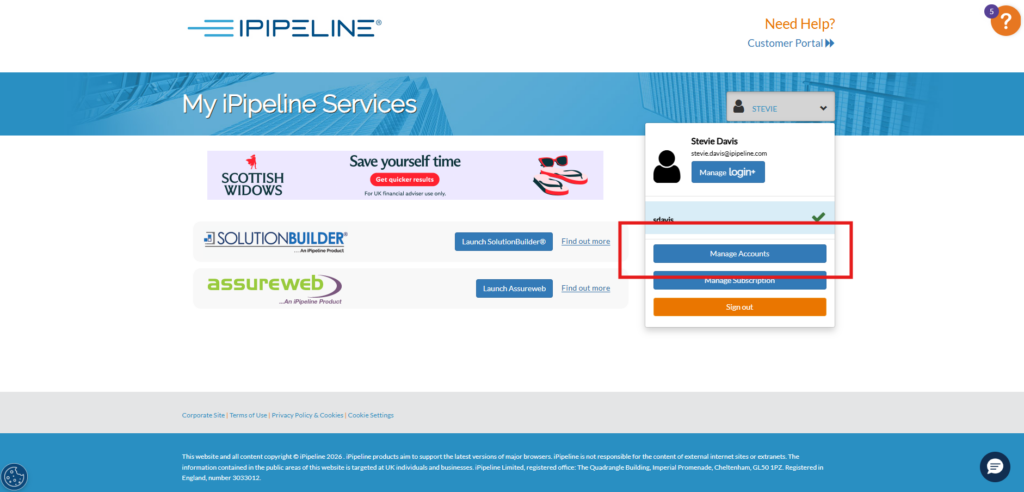
If you already have login details – please log in as normal and head to the ‘manage account’ section of your account.
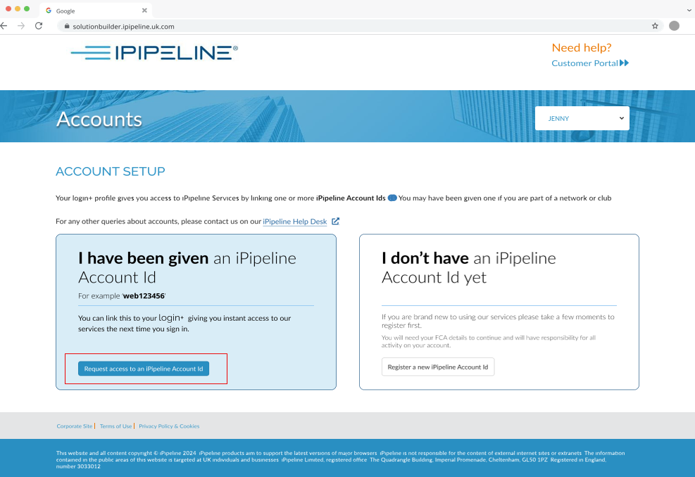
You can then create a new account by clicking ‘Register a new iPipeline Account Id’. This way the new account will also be linked to your existing log in email address.
If you do not have login details yet – Visit the Customer Portal and select Register Now.
You will be guided through creating your login email address and password before entering your personal and firm details, including your firm’s FCA number and Address.