
If you’ve had an account created for you by your Network, Service Provider or Club then you will have received an email including your iPipeline Account Credentials.
In order to log in to the iPipeline Services via the website, please head to the Login+ sign in page.
If you have had an account with iPipeline in the past and set up an email address before, please enter this as normal with your chosen password and click ‘Sign in with login+’
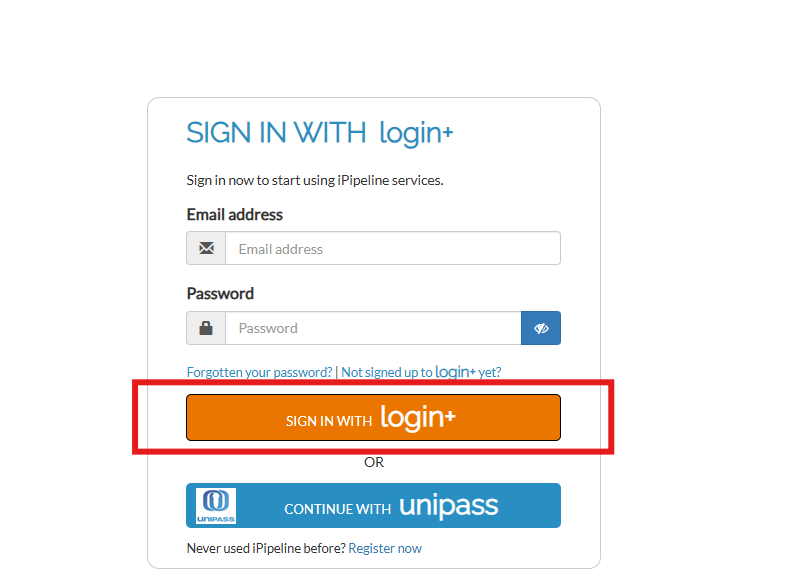
If you have used the same email address for your iPipeline Account ID and log in details then these two things will automatically link with each other once you sign in.
If your details have been automatically linked, then you will see the below screen:

If you have not used the same email address as your iPipeline Account ID, then please head to our ‘I Have Been Sent Credentials By My Network, Service Provider or Club But My Email Address Has Not Automatically Linked On Login?’ article for your next steps.